
Finishing
Color Studio
Choose a frame and build a grade one tool at a time.
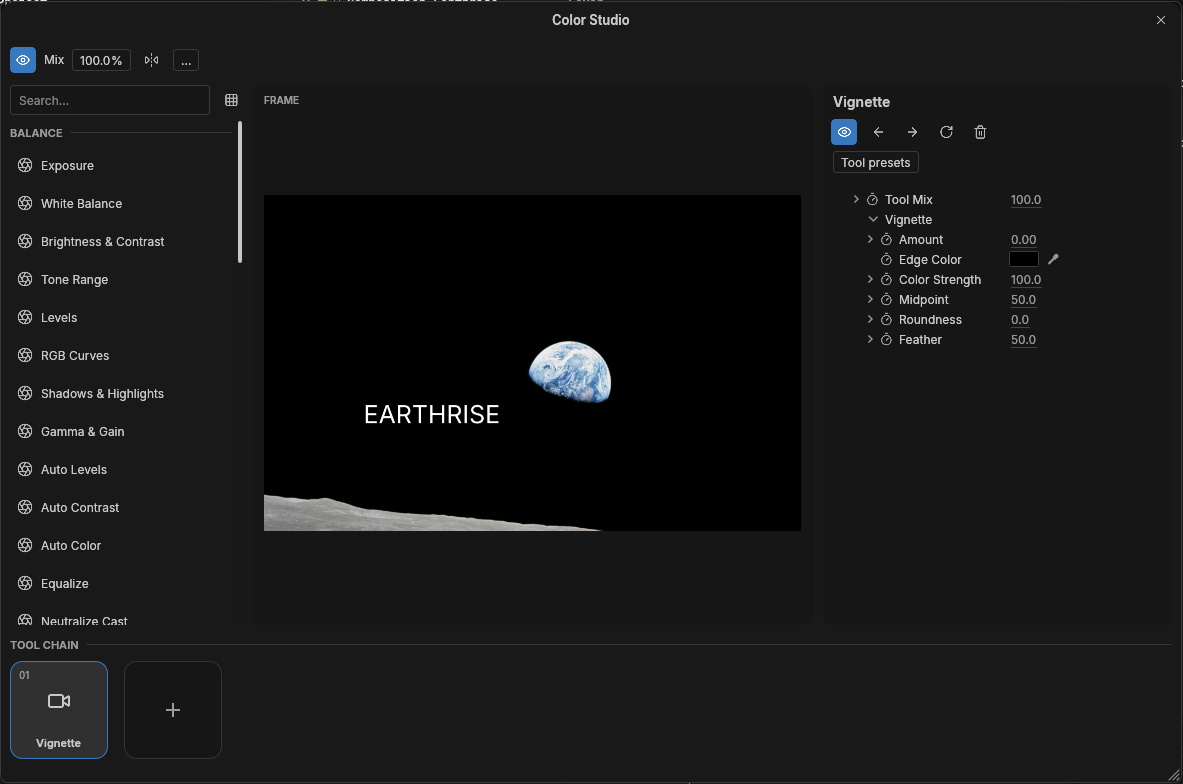 Earthrise · NASA / Apollo 8
Balance the image
Set exposure and white balance, then use levels or RGB curves to adjust the tonal range.
Shape the edges
Add a vignette to the tool chain. Adjust midpoint, roundness, and feather while watching the selected frame.
Check the grade
Compare the edited frame with the source. Bypass an individual tool or use the overall mix to reduce the strength of the grade.